Securing your financial life online feels complex, especially when digital tools like the PayPal Mastercard become essential. There’s growing concern about protection, privacy, and unauthorized transactions.
This is especially true for anyone who manages money digitally, whether you’re shopping, freelancing, or simply budgeting for monthly expenses.
If you want guidance on secure PayPal Mastercard management, this practical overview may help. The benefit? Greater confidence navigating and protecting your digital finances—without feeling overwhelmed by technical details.
Understanding Your PayPal Mastercard: Features and Access
Knowing how your PayPal Mastercard works can influence your approach to online security. Some users only realize the card’s full capabilities after encountering a problem—an unauthorized charge, say, or a login issue.
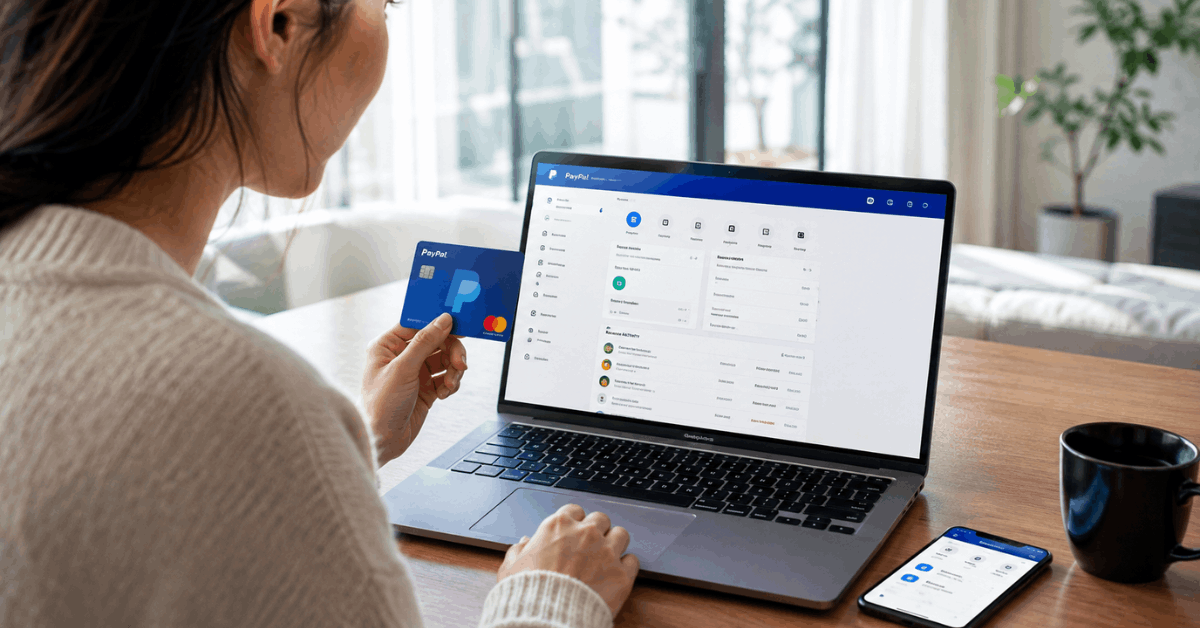
It’s worth exploring the card’s digital tools, available features, and how online access is structured, even before trouble starts.
Where to Find Account Tools
Most card management features are found in your PayPal account dashboard. The sections for Balances, Transactions, and Settings are essential.
Not all features sit upfront; sometimes, users feel as if basic controls are hidden in submenus or tabs. It’s a common frustration, but patience pays off.
Main Functions Available Online
- Reviewing recent transactions and statement history
- Setting or changing your PIN
- Managing cards linked to your PayPal account
- Adjusting security settings, including notifications
- Locking your Mastercard if it’s lost or stolen
Fundamental Security Measures for PayPal Mastercard Users
For many users, basic authentication steps can feel like hurdles. They might be, but they’re still the backbone of digital safety—especially if you sometimes log in from public Wi-Fi or shared devices. No system is ever fully risk-free, but several practices consistently keep accounts safer.
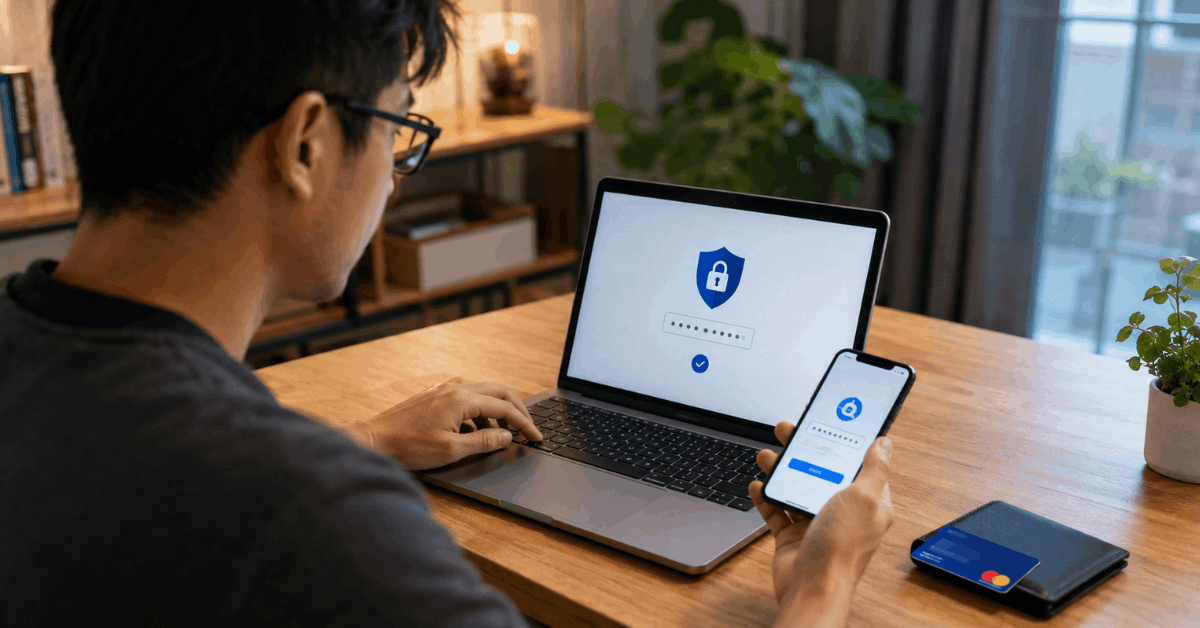
Strong, Unique Passwords
It sounds simple. Yet, a significant portion of compromised accounts result from weak or reused passwords. Creating a long, unpredictable password—one not used anywhere else—doesn’t eliminate risk but greatly reduces it.
Two-Factor Authentication (2FA)
Two-factor authentication adds a layer of identity proof to your PayPal login. Most users enable this through SMS or an authenticator app.
The experience isn’t always seamless if you misplace your device, but for daily access, it’s manageable and highly effective.
Device and Browser Hygiene
Sometimes, security depends as much on your device as on PayPal itself. Installing security updates, running antivirus software, and avoiding login on unfamiliar devices seem like basic steps—they actually matter quite a lot.
Accessing Your PayPal Mastercard Account Securely
Getting into your PayPal dashboard to manage your Mastercard online isn’t especially difficult, yet accidental errors can lead to account lockouts or, in worst-case scenarios, security alerts. Some find this nerve-wracking, especially after a failed login or a password reset cycle.
Access Points: Web and Mobile
The two main entry doors are the official PayPal website and the mobile app. Most users report a smoother experience on the mobile app, but both are considered secure—when updated and used with trusted networks.
Recognizing Secure Login Indicators
Look for HTTPS and the correct domain in your browser bar. It might seem like overkill, though in some phishing cases, just checking the URL has prevented real loss.
Managing Your Card Settings Online
Card settings can feel tucked away within PayPal’s menus. But once you find them, controls are straightforward. Changing your PIN, ordering a new card, or adjusting notifications isn’t an everyday task, but knowing how is reassuring.
PIN and Transaction Alerts
Activating transaction alerts keeps you informed of every purchase or withdrawal. It’s a feature that might feel intrusive at first; over time, it often becomes a quiet reassurance.
Freezing or Replacing Your Card
If your card goes missing, freezing it online is quick. Some users wonder if this process works instantly—realistically, there may be a short delay, but it’s generally reliable.
Identifying Suspicious Activity and What to Do Next
No system is completely immune from fraud attempts. There may come a time—hopefully never—when you spot a transaction you don’t recognize. The steps you take early can make a significant difference in limiting potential financial impact.
Monitoring Your Transactions
Mistakes happen. Sometimes a legitimate purchase looks suspicious out of context. It’s wise to check transaction details before panicking or making accidental claims.
Reporting Unauthorized Charges
PayPal offers an online dispute process for reporting unauthorized activity. While some find it efficient, others express frustration over wait times or documentation requests. Having digital copies of receipts and records typically streamlines the process.
Best Practices for Ongoing Security
Many people think of online security as a one-time event. In reality, it’s more like a habit. No single guide provides full immunity, but combining several good practices adds up.
Regular Account Reviews
Checking your account activity weekly—perhaps even daily if spending is high—could catch issues early. Over time, it becomes second nature.
Device Security Habits
- Update operating systems promptly
- Consider reputable antivirus tools
- Limit storage of financial passwords in browsers
Privacy Settings and Data Management
It’s not always clear what personal data is exposed through digital payments. Reviewing your privacy settings and reading PayPal’s data-use policy can help.
While policies can feel dense, there are often practical controls for managing data sharing and notification preferences.
Email and Notification Preferences
Some alerts are essential, but unchecked notifications can clutter your inbox. Adjusting preferences can strike a balance between staying informed and feeling overwhelmed.
Data Sharing with Third Parties
On occasion, you might be asked to share your card with partner apps or services. If unsure, skipping or researching first may help avoid regret later.
Common Mistakes and How to Avoid Them
Even cautious users stumble—perhaps by saving login info to a public device, or skipping an alert. Nobody’s immune. Acknowledging common missteps makes ongoing improvement practical, not intimidating.
Saving Credentials Unwisely
It’s tempting to save passwords in browsers for convenience. If others use the same device, this could pose risks. Using a trusted password manager is generally safer.
Ignoring Unusual Account Activity
Some users assume odd login notifications are errors or harmless. A quick review, even if inconvenient, is usually worth the few minutes it takes.
Tips for Keeping Your PayPal Mastercard Secure
- Enable two-factor authentication.
- Use a strong, unique password.
- Review transactions regularly.
- Turn on purchase alerts.
- Report suspicious activity immediately.
Conclusion
Managing your PayPal Mastercard securely starts with developing consistent online safety habits. Simple actions like enabling two-factor authentication, reviewing transactions, and updating your account settings can greatly reduce the risk of fraud.
It is also important to access your account only through official PayPal channels and trusted devices. If you notice unusual activity, reporting it promptly can help limit potential losses.
By staying informed and proactive, you can use your PayPal Mastercard with greater confidence and peace of mind.